September 6, 2021
Go‑Live Control in ERP Projects: A Practical Checklist
A practical guide to pre- and post-go-live control processes in ERP projects. Covers go-live plan, testing and adaptation, user support, and risk management.
Author: Fatih Görgülü
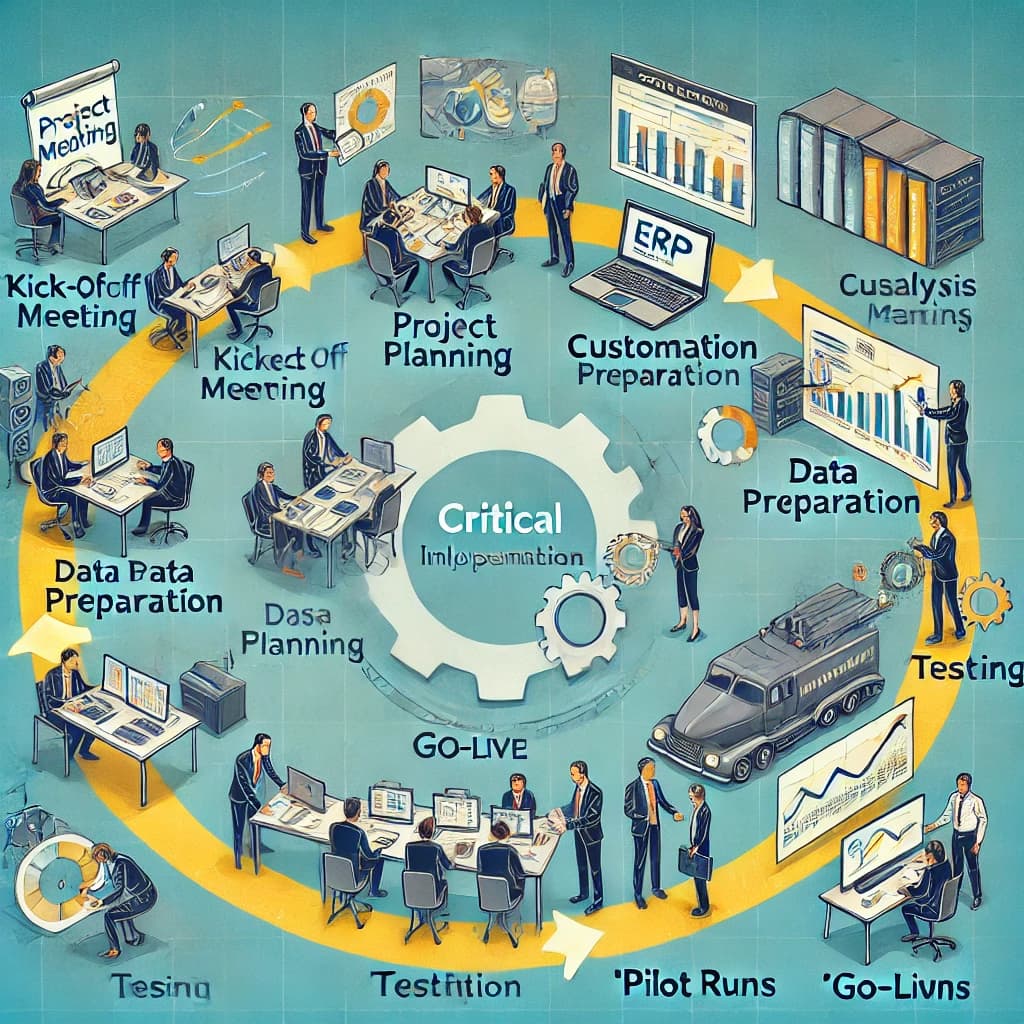

In ERP projects, as in all projects, the level of uncertainty for stakeholders is very high at the start. As go-live approaches, that uncertainty decreases. The changes brought by new software, the features to learn, and the time to devote to the ERP project always make stakeholders uneasy. A structured control plan before and after go-live helps manage this transition and reduce risk.
Project teams are tasked with understanding the processes of the organizations they implement and adapting them efficiently. As a result they are responsible for building the solution, validating it, and training users.
This journey, which begins with the kick-off meeting, goes through many phases until go-live: creating project and other management plans, analysis, customization, data preparation and migration, training, testing, and pilot work. After go-live, project teams provide intensive user support until processes stabilize.
Pre- and Post-Go-Live Control Processes
In this post I focus on the control processes that must be in place before and after go-live—one of the most critical phases of ERP projects.
Pre-Go-Live Checks
Even if we have tested our processes many times, delivered training, and prepared access and authorizations, we must still be ready for the unknown. It is important to create a "Go-Live Control Plan" to carry out final checks. Before using this plan, ensure that all customizations on the ERP software are complete. If development and customization are still ongoing, final checks lose their meaning.
Go-Live Control Plan:
- Communication plan defining who contacts whom in which situation,
- People who will run and monitor communication identified by the project team,
- User request and support system in place,
- All risks and risk owners updated per the risk plan,
- Confirm all users have completed training,
- Ensure the latest documentation and use cases reach the right users,
- Check all user permission sets and screen authorizations in the ERP,
- Clarify task split between the ERP project team and key users,
- Run final tests and resolve any issues found,
- Complete transfer of documents to be migrated (inventory count, open sales orders, purchase orders, work orders, etc.),
- Check and update master data,
- Complete integration tests with non-ERP systems,
- Run server and infrastructure tests,
- Perform user access checks,
- Clean data in the production database,
- Run MRP (Material Requirements Planning) for migrated open documents and check results,
- Enter opening accounting entries and migrate promissory notes,
- Set up and check e-invoice, e-despatch and other e-Transformation applications,
- Run automation tests,
- Hold the pre-go-live assessment meeting.
Post-Go-Live Checks
The big day has come. We can start using our ERP system. Was the cutover successful? No matter how well we prepare, a problem-free cutover is not always possible. Post-go-live controls help you catch and fix issues quickly.
A successful cutover is about how we handle what happens after we go live. When organizations start using the ERP, various issues can arise and user expectations can grow as they learn the system. This leads to many new processes that the project team must monitor or improve.
Post-Go-Live Tasks:
- Actively track the user request and support system and respond quickly,
- Review post-migration movement of document data (inventory count, open sales/purchase orders, work orders, etc.),
- Continuously check data consistency (correct price data, MRP results as expected, inventory consistent, etc.),
- Re-run test scenarios as more data is created,
- Monitor and support users,
- Pay attention to motivating stakeholders who see the change as unhelpful,
- Identify additional training needs and run repeat training,
- Implement process changes or improvements from feedback and run change management controls,
- Hold periodic post-go-live review meetings,
- Check that database backups are taken according to plan,
- Check integration data exchange if applicable,
- Ensure the first financial period is closed in the ERP in a controlled way.
Finishing ERP cutovers successfully and reaching closure takes a lot of effort and awareness. Using a clear checklist before and after go-live makes it easier to stay on top of what matters. I hope this post is useful to everyone involved.
Within the Canias cluster
This piece sits inside the Canias, go-live, steering, and fit-gap track. It becomes more useful when read together with the landing page and related guides.
A sensible next step after this read
This page may work as an entry or framing layer; the follow-up should be a guide, a resource, or a conversation point.
Relevant guide
Continue inside the guides
If you want a more structured follow-up, the guides hold the checklists, decision frameworks, and implementation discipline.
Continue →Relevant resource
Resources and checklists
Use the resources surface when you want a checklist, decision note, or downloadable asset to make this topic more concrete.
Continue →Conversation
If this is active, let us talk
If this topic matches a live project, sponsor decision, or delivery pressure, you can get in touch directly.
Continue →Related insights
Full Integration in ERP: The Key to Digital Transformation
The integration of ERP systems into organizations plays a critical role in the digital transformation process. However, ERP systems can only be used to their full potential when organizations run all their business processes through these systems. This article addresses how a successful ERP transition can be understood, what steps are needed for full integration, and common obstacles.
Read →What are hypercare exit criteria?
Hypercare exit criteria define when the intense post go-live support period can safely move into normal operations. Without them, hypercare either closes too early or turns into an open-ended support phase with unclear scope.
Read →What is Fit-Gap? Managing scope risk in ERP projects
Fit-Gap is not a workshop for collecting every desired change. In an ERP project, it should make the difference between standard use, process decision, configuration, development, phasing, and rejection visible enough for real scope decisions.
Read →